Facebook introduces new data transfer tool; here's how you can use it
Facebook launched a new portability tool named transfer information tool that allows user to transfer facebook data into Google, Docs, WordPress and Blogger
Log on to www.facebook.com and enter your credentials.
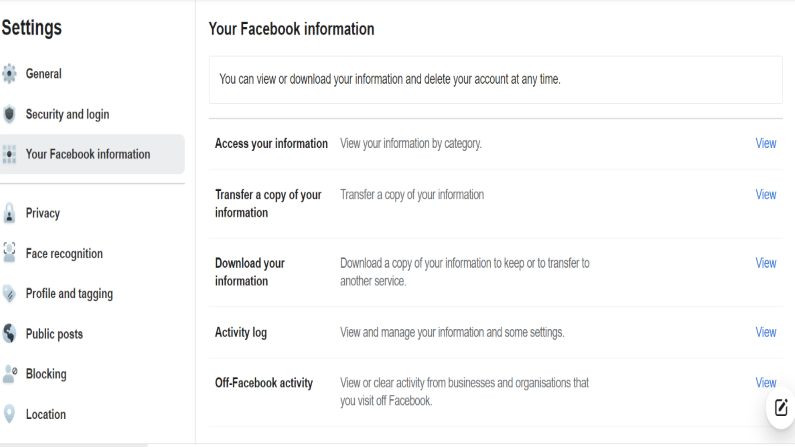
Click on Facebook Settings > Settings & Privacy Settings. Go to ‘Your Facebook Information.’
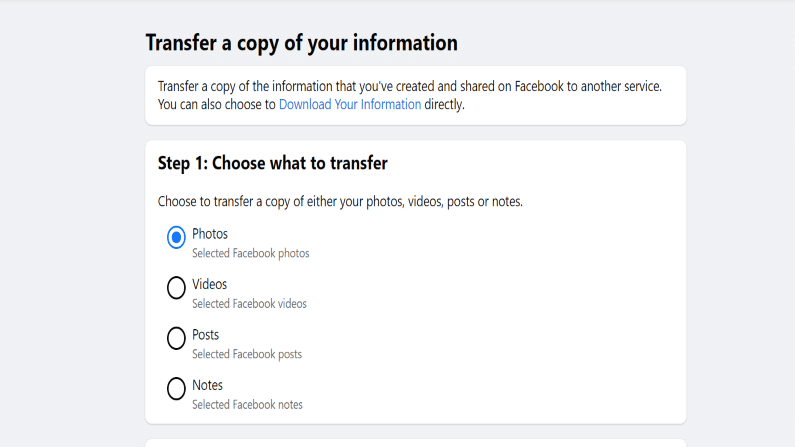
Click on ‘Transfer Your Information’ and choose what to transfer.
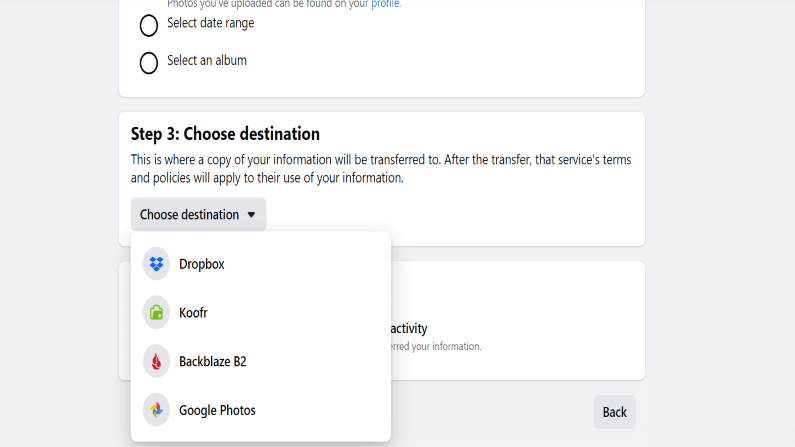
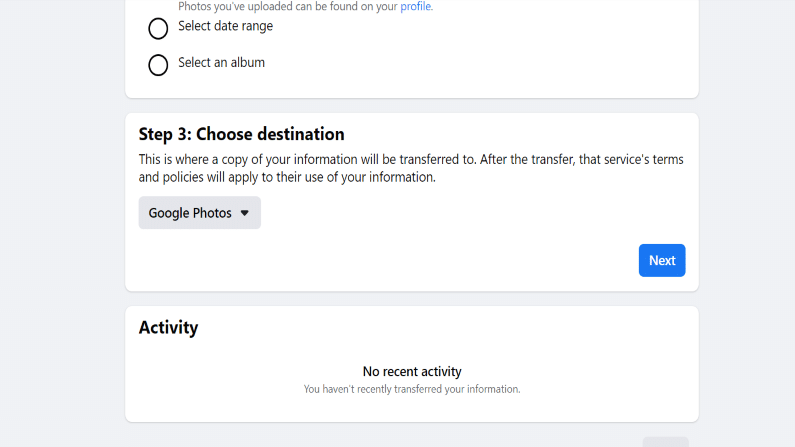
Choose the destination where you want to transfer your Facebook data.
Click on Next and choose your confirm your credentials.
Your data will get transferred smoothly.